


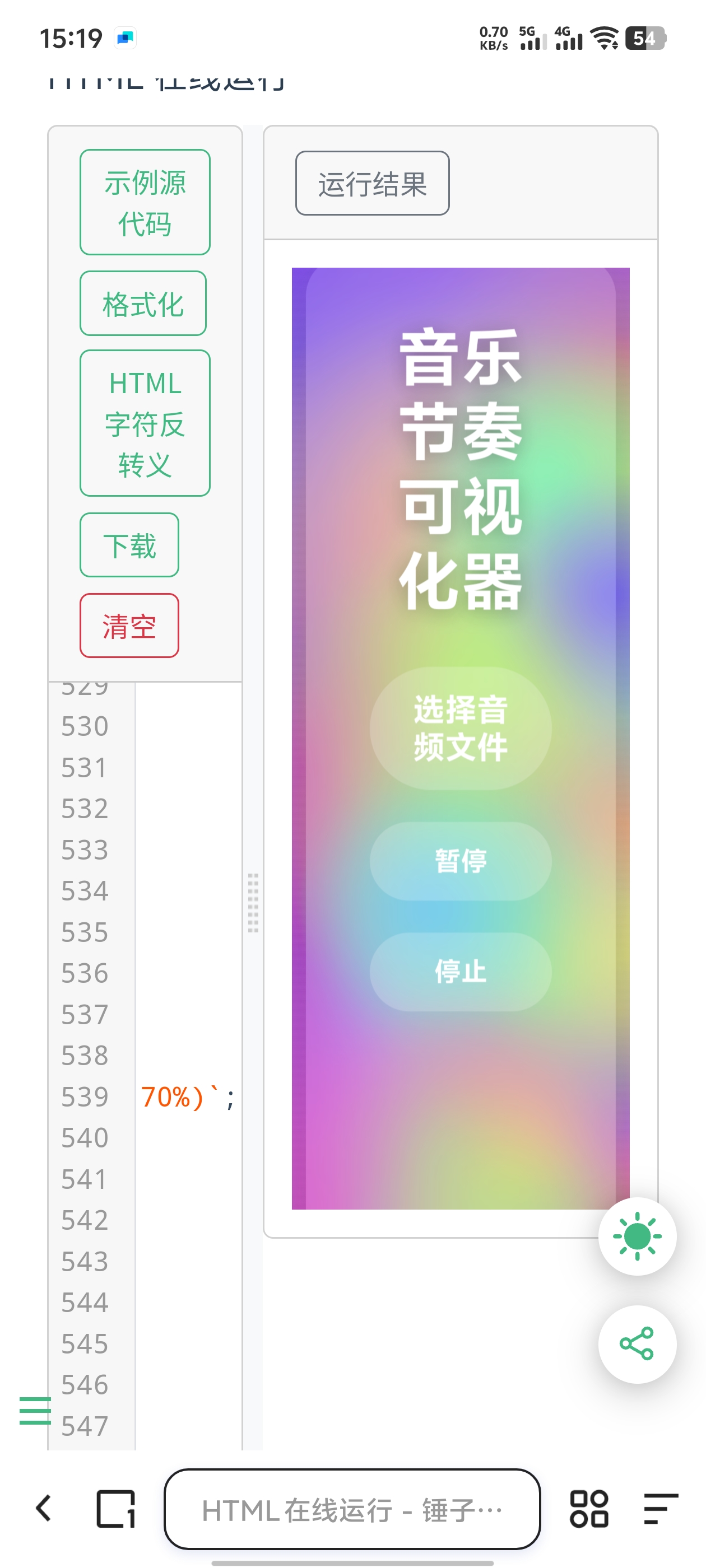
用Ai写的音乐节奏可视化背景
8个月前 
把下面的代码添加到“functions.php”文件中
$fenlei = new \Typecho\Widget\Helper\Form\Element\Textarea(
'fenlei',
null,
null,
_t('分类图标'),
_t('可以通过这里自定义分类图标,多个请用|进行分隔。列如:http://xx.xx/xx.png|http://xx.xx/xx.png')
);
$form->addInput($fenlei);
模板中分类图标调用代码如下
<?php $fenleiimg = explode('|',rtrim($this->options->fenlei,'|')); ?>
<?php $this->widget('Widget_Metas_Category_List')->to($categorys); ?>
<?php $i = 0; while($categorys->next()): ?>

name(); ?>
#免责声明#
本文为转载 或 原创内容,未经授权禁止转载、摘编、复制及镜像使用、转载请注明作者、出处及原文链接、违者将依法追究责任。
8个月前 
10个月前 > 需求说明 以前还真没有注意这个问题,今天一位朋友测试上一篇文章的...

7个月前 # Equipment 类详细使用方法 ## 类概述 `Equipment` 类是玩家装备系统的核心组...
6个月前 1、新建一个xiunowiki.js文件放到网站根目录 ```javascript (function() { docum...
10个月前 前几天就准备重新设计一下轻博客的权限功能,最初的权限功能已经不能满...

8个月前 这款js弹窗气泡代码非常简约,能够胜任日常弹窗业务。 ![火狐截图_2025-09...