


typecho统计父级评论下面的“子级评论”有多少条
10个月前 最近用独立页面编写的一个朋友圈模板,基于评论功能实现。 为了实现显...

需求说明
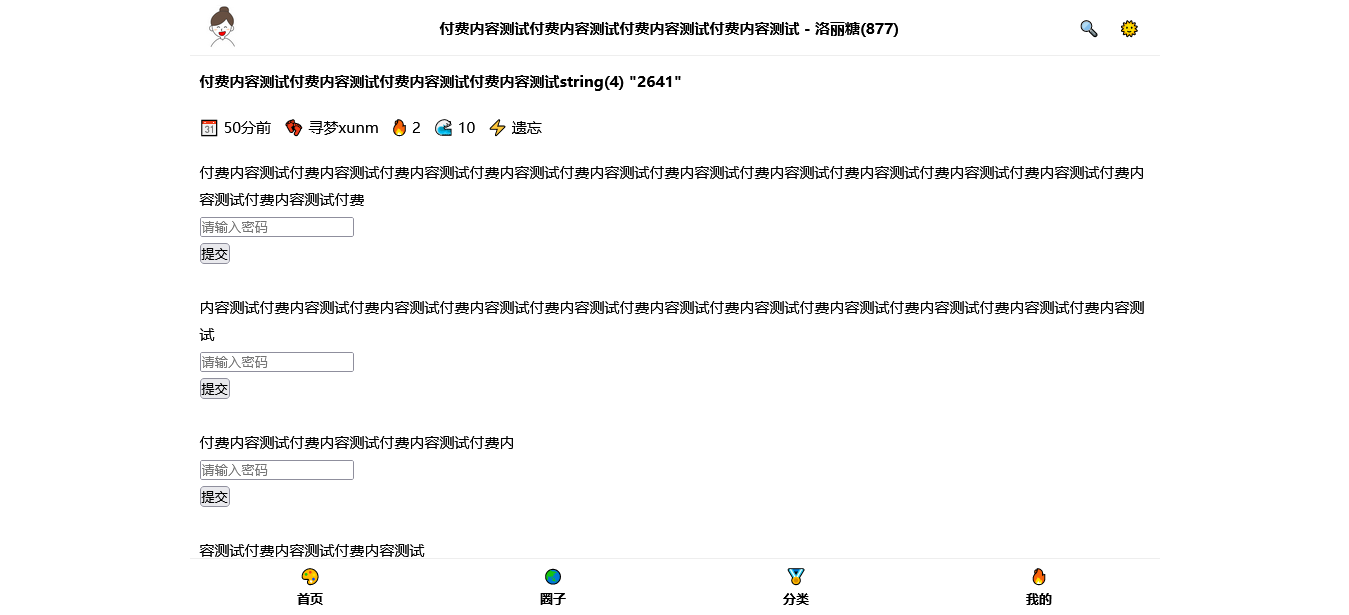
typecho文章虽然自带了加密功能,可是有时候不太人性化,例如我想要显示部分内容,部分内容加密而且多个部分加密的密码不同。
多个部分内容加密截图
提交密码查看效果截图
这篇文章就是为了解决上面提供的方案思路,具体各项细节需要开发者自行在进一步完善(例如添加cookie,session等缓存提交的密码实现在一定时间内不用重复输入等,下面的代码为了理解就没有添加)。
具体实现代码
把下面的代码添加到“post.php”文件中即可(重要提示:需要把下面的代码加到“$this->content”之前),当然还有通过其他方法也可以实现,这里为了方便就简单粗暴。
if ($this->request->isPost() && $this->request->mm === 'ok'){<br />
<br />
if (strpos($this->content, '{mm') !== false) {<br />
<br />
$this->content = preg_replace_callback('/{mm id="(.+?)"}(.+?){\/mm}/',function($match){<br />
if ($this->request->pass === $match[1]){<br />
return $match[2];<br />
}else{<br />
return $match[0];<br />
}<br />
}, $this->content);<br />
<br />
}<br />
}<br />
<br />
if (strpos($this->content, '{mm') !== false) {<br />
<br />
$this->content = preg_replace('/{mm id="(.+?)"}(.+?){\/mm}/',"<form action='?mm=ok' class='xm-mm' id='xm-mm' method='post'><br />
<div class='xm-mm-input' id='xm-mm-input'><br />
<input type='password' class='xm-mm-pass' id='xm-mm-pass' name='pass' placeholder='请输入密码'><br />
</div><br />
<div class='xm-mm-button' id='xm-mm-button'><br />
<button type='submit' class='xm-mm-submit' id='xm-mm-submit'>提交</button><br />
</div><br />
</form>", $this->content);<br />
}<br />
```<br />
<br />
在写文章的时候,部分内容需要加密的内容用如下代码即可<br />
<br />
{mm id="这里填写密码"}这里是要加密的文章内容{/mm}<br />
#免责声明#
本文为转载 或 原创内容,未经授权禁止转载、摘编、复制及镜像使用、转载请注明作者、出处及原文链接、违者将依法追究责任。

10个月前 最近用独立页面编写的一个朋友圈模板,基于评论功能实现。 为了实现显...
6个月前 1、获取音乐在线播放接口(付费音乐也可以获取完整版) ``` 接口:http...
10个月前 进行更新微博客程序的时候,准备重新修改一下评论插件的回复表单定位问...
9个月前 在该项目中添加新的插件可按以下步骤操作: ##### 获取插件文件 准备一个...
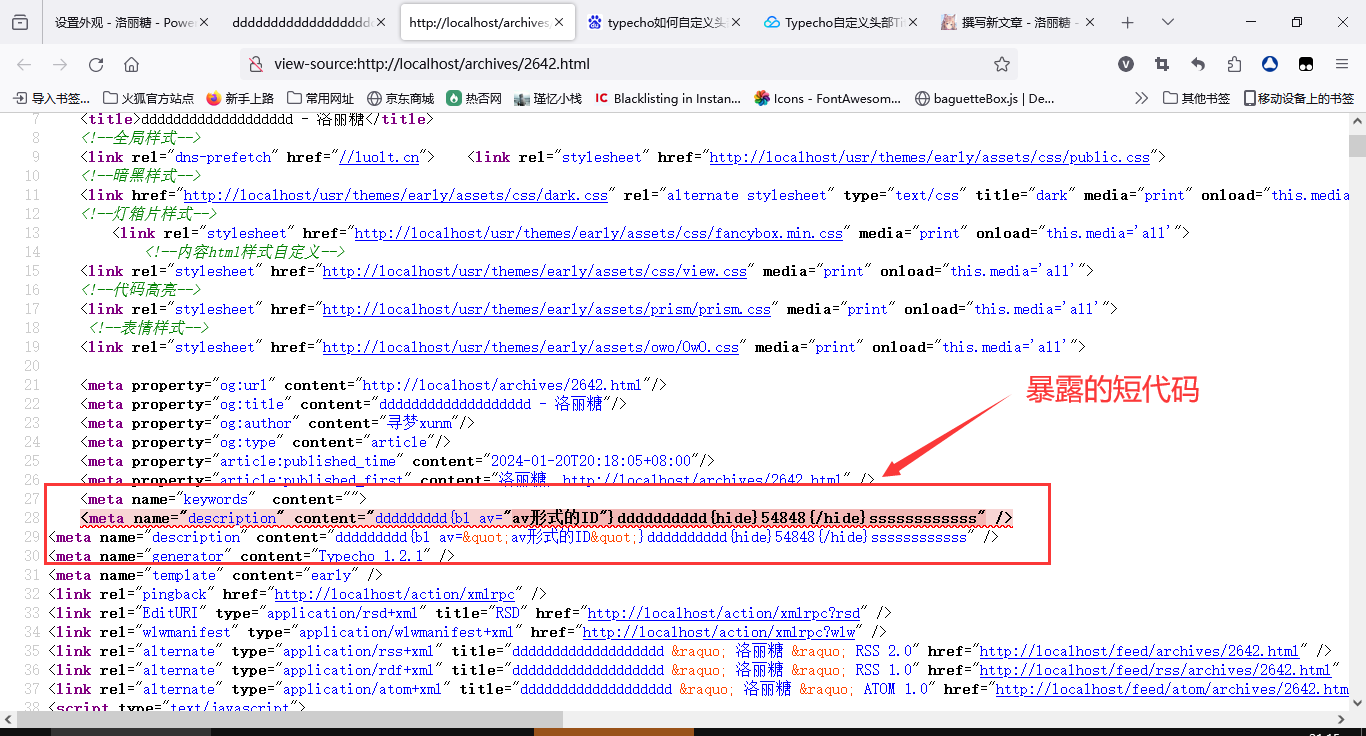
9个月前 > 需求说明 以前还真没有注意这个问题,今天一位朋友测试上一篇文章的...
9个月前 PHP超全局变量不同使用方法的差异有多大?,列如下面的代码案例,各位网...